by admin | May 14, 2026 | Blog
Yes—in many cases, you should. If an individual expects to receive COBRA coverage, even if they were never enrolled in your plan, you are generally required to provide a COBRA Notice of Unavailability explaining why they are not eligible.
When Is a Notice of Unavailability Required?
You must send this notice when:
- A qualifying event is reported, but the individual is not entitled to COBRA, or
- A request for a COBRA extension (disability or second event) is denied
Importantly, eligibility—not enrollment—doesn’t determine whether the notice is needed. If someone reasonably expected coverage, the notice applies.
Who Should Receive the Notice?
The notice must go to the individual expecting COBRA coverage, not necessarily the person who reported the event.
Example: If an employee reports a qualifying event for their child who was never covered, the child—not the employee—should receive the notice.
What Should the Notice Include?
The notice must be:
- Written in clear, easy-to-understand language
- A specific explanation of why COBRA is unavailable
- Tailored to the individual’s situation
Include:
- The qualifying event (or request)
- The reason coverage is denied (e.g., not enrolled in the plan)
- Contact information for questions
Timing Requirements
Provide the notice within 14 days after the plan administrator receives notice of the qualifying event or request—the same deadline as a COBRA election notice.
How Should It Be Delivered?
Use a method reasonably calculated to ensure receipt.
Best practice: send via first-class mail, though hand delivery and compliant electronic delivery are also acceptable.
Key Takeaway
Even if someone isn’t covered under your plan, you must send a COBRA Notice of Unavailability if they expected coverage. Doing so within the required timeframe helps ensure compliance and reduces potential risk for your organization.
Source: Thomson Reuters

by admin | May 7, 2026 | Blog
Submitting a claim is quick and easy when you know your options. This guide walks you through how to submit a claim online or through the mobile app, what documentation is required, and how to avoid common delays—so you can get reimbursed faster.
Submitting a Claim Online (Fastest Option)
The online participant portal is one of the easiest and most efficient ways to submit a claim for reimbursement.
- Go to www.NueSynergy.com and log in to your participant account.
- Select Claims from the main menu.
- Click Add Claim for immediate or future reimbursement.
- Enter your claim details, including:
- Date of service
- Provider or merchant name
- Claim amount
- Upload your receipt or Explanation of Benefits (EOB).
- Review and agree to the certification statement.
- Click Submit.
Once submitted, you will receive an email notification confirming approval or requesting additional documentation if needed.
Submitting a Claim Using the NueSynergy Mobile App
The NueSynergy Mobile App allows you to submit claims directly from your phone—perfect for uploading receipts right after an appointment or purchase.
- Log in to the mobile app using your participant credentials.
- Tap Claims.
- Select Add Claim.
- Take a photo of your receipt or upload an existing image.
- Review the claim details and submit.
The mobile app helps reduce delays by allowing you to submit claims immediately while documentation is readily available.
Required Documentation for Claim Approval
To ensure timely processing, all claims must include documentation that clearly shows:
- Provider or merchant name
- Date of service or purchase
- Description of the service or item
- Amount charged
- Insurance payment details, if applicable
Claims submitted without complete or legible documentation may be returned for additional information.
Getting Reimbursed Faster
Approved claims are reimbursed by check or direct deposit. Direct deposit is the fastest way to receive your reimbursement.
To enroll:
- Log in to your participant portal.
- Select Get Reimbursed Faster from the homepage.
- Enter and save your banking information.
Common Reasons Claims Are Delayed or Returned
- Receipts are missing required details
- Uploaded images are blurry or incomplete
- The expense is not eligible
- The claim was submitted for the wrong plan year
Reviewing documentation before submitting can help prevent processing delays.
Tips for a Smooth Claim Submission Experience
- Submit claims electronically whenever possible
- Upload clear, easy‑to‑read receipts
- Keep copies of receipts until claims are approved
- Submit claims soon after the expense is incurred
- Set up direct deposit for faster payment
Need Help With a Claim?
You can check claim status, upload additional documentation, or send messages by logging into your participant account. For further assistance, contact Customer Service:
- Phone: 1‑855‑890‑7239 (Option 2)
- Email: CustomerService@NueSynergy.com
by admin | Apr 9, 2026 | Blog
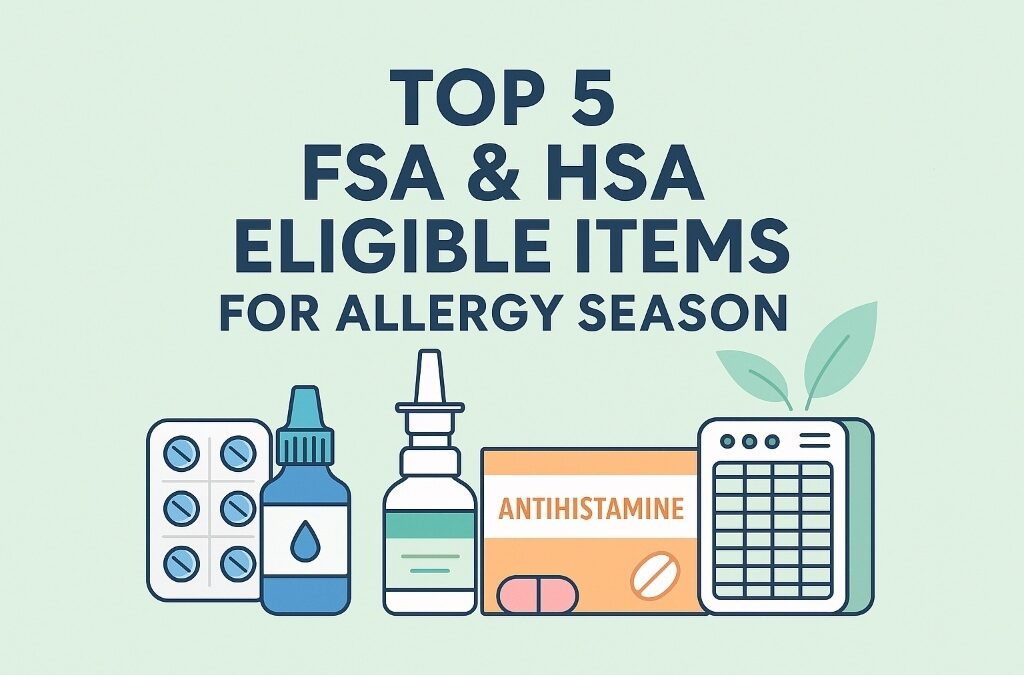
Allergy season is officially here, and for millions of Americans, that means sneezing, itchy eyes, congestion, and sinus pressure. The good news? Many allergy relief essentials are FSA and HSA eligible, meaning you can use pre‑tax dollars to protect your health and your wallet at the same time.
If you have a Flexible Spending Account (FSA) or Health Savings Account (HSA) and want to spend your funds wisely this allergy season, here are the top five FSA/HSA‑eligible items that help relieve seasonal allergies right now.
1. Antihistamines
Why they help: Antihistamines reduce sneezing, runny noses, and itchy eyes caused by seasonal allergies.
FSA/HSA‑eligible options include:
- Claritin® (loratadine)
- Zyrtec® (cetirizine)
- Allegra® (fexofenadine)
- Benadryl® (diphenhydramine)
✅ No prescription required.
🔗 Eligibility info: https://fsastore.com/learn-otc-antihistamines
2. Nasal Sprays & Saline Rinses
Why they help: These products target congestion directly by reducing inflammation or flushing out allergens.
Eligible products include:
- Saline sprays and rinse kits
- Flonase®, Nasacort®, Rhinocort®
✅ Commonly FSA/HSA eligible when used for allergy relief.
🔗 Eligibility info: https://fsastore.com/learn-nasal-sprays
3. Allergy Relief Eye Drops
Why they help: Eye drops relieve itching, redness, and watery eyes caused by pollen and airborne allergens.
Eligible options include:
- Antihistamine eye drops
- Preservative‑free allergy eye drops
✅ Must be labeled for allergy or medical use (not cosmetic).
🔗 Eligibility info: https://fsastore.com/learn-eye-care
4. Air Purifiers & HEPA Filters
Why they help: Air purifiers reduce pollen, dust, and pet dander inside your home.
⚠️ May be FSA/HSA eligible with a Letter of Medical Necessity for allergies or asthma.
🔗 Eligibility info: https://fsastore.com/learn-air-purifiers
5. Humidifiers
Why they help: Humidifiers ease dry air that can worsen sinus irritation and nasal congestion.
⚠️ Typically requires a medical diagnosis and Letter of Medical Necessity.
🔗 Eligibility info: https://fsastore.com/learn-humidifiers
How to Use Your FSA or HSA for Allergy Season
To maximize your benefits:
- ✅ Shop items clearly marked FSA/HSA eligible
- ✅ Keep receipts or order confirmations
- ✅ Use FSA funds before annual deadlines
- ✅ Check eligibility before purchasing higher‑ticket items
Allergy season doesn’t have to mean discomfort—or overspending. By using your FSA or HSA dollars wisely, you can stock up on proven allergy relief products while saving money with pre‑tax funds.
From antihistamines and nasal sprays to eye drops, humidifiers, and air purifiers, these FSA/HSA‑eligible items can help you breathe easier all season long.
by admin | Apr 8, 2026 | Blog
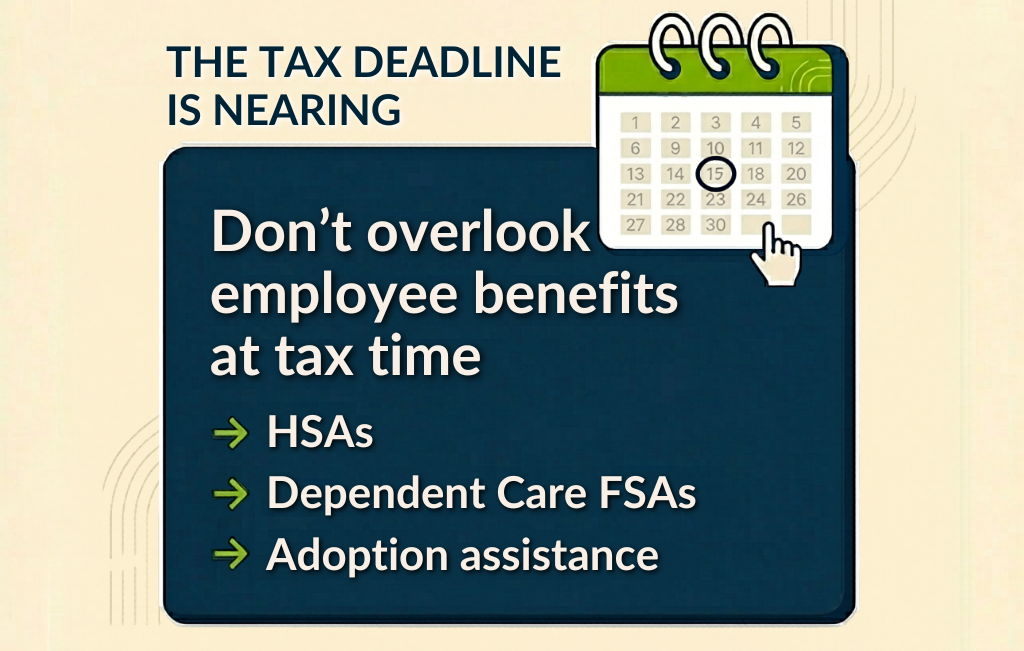
Tax season sneaks up fast, and with the tax deadline right around the corner, it’s easy to forget that some employee benefits come with extra tax forms. If you used certain health or family‑related benefits this year, the IRS may expect a little more information when you file.
The good news? Only a few benefits actually need tax forms. Here’s a quick, simple breakdown.
Used an HSA? You’ll Need to File a Form
If you contributed to a Health Savings Account (HSA) or used HSA money for medical expenses, you’ll need to report it on your tax return.
Forms you may see:
- Form 1099‑SA – Shows how much money you took out of your HSA
- Form 5498‑SA – Shows how much money went into your HSA (for reference)
- Form 8889 – This form must be filed with your tax return
Even if you didn’t spend your HSA money, Form 8889 is still required if you made contributions.
Have a Dependent Care FSA? There’s a Form for That
If you used a Dependent Care FSA to pay for childcare or care for an adult dependent, this benefit must be reported.
Form you’ll need:
- Form 2441 – Dependent Care Expenses
This form helps the IRS make sure your dependent care benefits are reported correctly.
Helpful reminder: Healthcare FSAs do NOT require tax forms—only Dependent Care FSAs do.
Employer Helped With Adoption Costs?
If your employer provided adoption assistance, the IRS requires you to report it.
Form you’ll need:
- Form 8839 – Qualified Adoption Expenses
This form shows how adoption‑related benefits affect your taxes.
Quick Check Before You File
Before you hit “submit,” make sure you have tax forms for:
- HSA contributions or withdrawals
- Dependent Care FSA expenses
- Adoption assistance benefits
Having the right forms ready can help you avoid filing delays, errors, or IRS follow‑ups.
by admin | Mar 23, 2026 | Blog
Your company wants to offer “healthy lifestyle” sessions next year — awesome! And employees who attend all sessions will receive a $200 cash bonus. But one big question comes up:
Will employees have to pay taxes on that $200?
Short answer: Yes.
Here’s the easy explanation.
What Part of a Wellness Program Is Tax‑Free?
Things like:
- Health screenings
- Flu shots
- Coaching or health education
These aren’t taxable, because they count as health benefits.
When Wellness Rewards Are Taxed
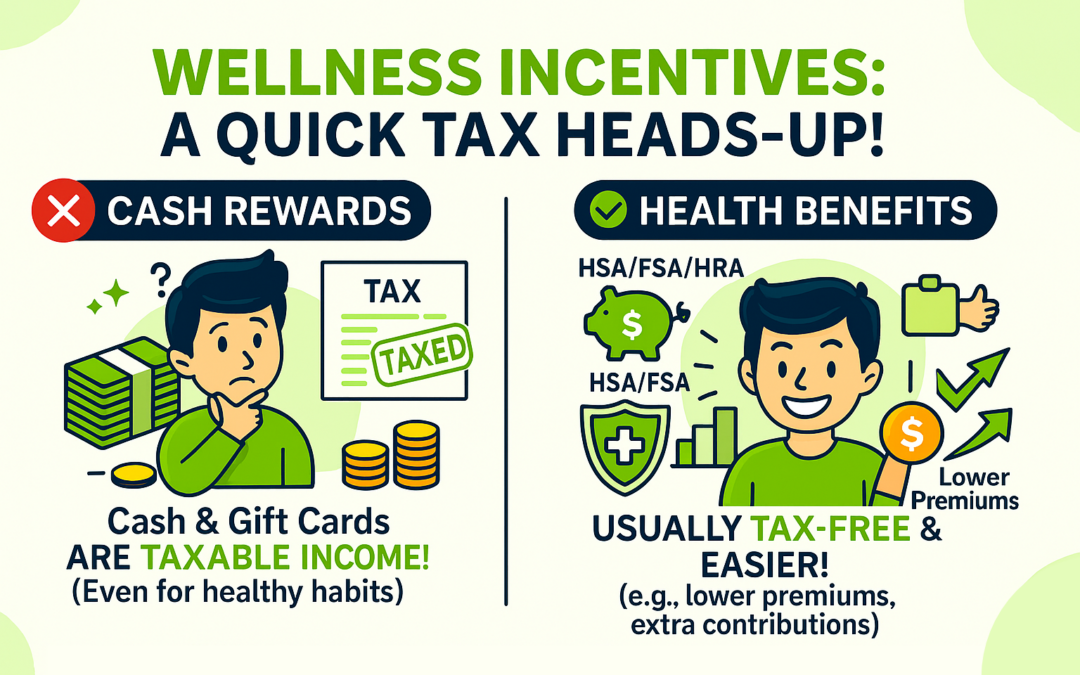
If the reward is cash or basically the same as cash (like a gift card), the IRS treats it like extra pay.
So the $200 wellness bonus:
- Will be taxed
- Will show up on an employee’s W‑2
- Will have regular payroll taxes taken out (like any paycheck)
It doesn’t matter that the bonus is tied to being healthy — cash is still cash in the eyes of the IRS.
What Rewards Aren’t Taxed?
Some wellness incentives can be tax‑free, such as:
- Lower health insurance premiums
- Extra employer money added to an employee’s HSA, FSA, or HRA
These are treated like health plan benefits, not income.
Be Careful of “Tax‑Free Cash” Wellness Programs
Some wellness vendors claim they can give employees tax‑free cash by using salary reductions. These programs usually:
- Make employees pay a high “premium”
- Then give them money back for completing wellness activities
But this money is really just employees getting their own pre‑tax dollars back — and it isn’t actually tax‑free.
These programs are often misleading and can cause compliance problems.
Do You Need to Worry About Medical Privacy Rules?
Not really — in this case.
Your wellness sessions:
- Don’t require employees to share health info
- Don’t ask for medical results
- Don’t involve screenings
So laws like HIPAA, GINA, and the ADA aren’t heavily triggered. Still, it’s a good idea to have legal counsel glance at any wellness incentive program before launching it.
The Bottom Line
Here’s the simplest way to think about it:
✔ If the reward is cash or a gift card → it’s taxable.
✔ If the reward lowers insurance costs or adds money to a health account → usually not taxable.
Your $200 wellness bonus = taxable income for employees.
Source: Thomson Reuters