
by admin | May 12, 2026 | Blog
Summer is the perfect time to put your FSA or HSA funds to work. With sunshine, travel, outdoor activities, and heat-driven health concerns, many everyday summer essentials are actually eligible for reimbursement—saving you money while prioritizing your health.
To help you maximize your benefits before funds expire, here are the top five FSA- and HSA-eligible items to purchase this summer, all available through the FSA Store, along with tips on why they matter and how to use them.
1. Sunscreen (SPF 15+)
Why it’s essential:
Excessive sun exposure increases the risk of skin cancer and premature skin aging. Sunscreen is one of the most important summer health investments—and it’s FSA/HSA eligible as long as it provides SPF 15 or higher.
Best uses this summer:
- Beach and pool days
- Outdoor workouts or sports
- Hiking, travel, and everyday commuting
You’ll find mineral, reef-safe, sweat-resistant, and sensitive-skin options available.
👉 Shop FSA/HSA-eligible sunscreen:
https://fsastore.com/fsa-eligible/sunscreen
2. First Aid Kits & Supplies
Why it’s essential:
From scraped knees to blisters and minor burns, summer activities often bring minor injuries. A well-stocked first aid kit keeps you prepared whether you’re camping, traveling, or hosting backyard gatherings.
Eligible items include:
- Adhesive bandages
- Antiseptic wipes
- Burn relief
- Gauze and wound-care products
👉 Browse FSA/HSA-eligible first aid kits:
https://fsastore.com/fsa-eligible/first-aid
3. Allergy Relief Products
Why it’s essential:
Grass pollen, ragweed, and increased outdoor exposure make summer allergies a real challenge. Many over-the-counter allergy treatments are FSA/HSA eligible without a prescription, thanks to IRS rule updates.
Common eligible options:
- Antihistamines
- Nasal sprays
- Eye drops for allergy relief
👉 Shop FSA/HSA-eligible allergy relief:
https://fsastore.com/fsa-eligible/allergy-and-sinus
4. Pain Relief & Recovery Products
Why it’s essential:
Summer activities often mean more movement—and more strain. Whether it’s sore muscles from outdoor workouts, joint discomfort from travel, or minor aches from weekend projects, pain relief and recovery products are among the most practical ways to use FSA or HSA funds.
Common FSA/HSA-eligible options include:
- Over-the-counter pain relievers (acetaminophen, ibuprofen, aspirin)
- Knee, ankle, and wrist braces
- Compression wraps and supports
- Muscle and joint pain relief creams (medicated)
These items are ideal for athletes, travelers, and anyone staying active during warm weather.
👉 Shop FSA/HSA-eligible pain relief & recovery products:
https://fsastore.com/pain-relief-and-recovery/joint-and-muscle-pain
5. Motion Sickness & Travel Health Essentials
Why it’s essential:
Road trips, flights, cruises, and amusement parks peak during summer—and so does motion sickness. Many motion sickness treatments qualify for FSA or HSA reimbursement, helping travelers stay comfortable without extra cost.
Eligible summer favorites include:
- Motion sickness medications
- Wrist bands for nausea relief
- Anti-nausea remedies for travel-related discomfort
These products are especially useful for families, frequent travelers, and those planning long-distance vacations.
👉 Browse FSA/HSA-eligible motion sickness products:
https://fsastore.com/fsa-eligible/motion-sickness
Planning tip: Motion sickness items are often overlooked but can make a major difference in summer travel comfort—making them a smart, proactive FSA/HSA purchase.
Why Buying Summer Essentials With FSA or HSA Funds Makes Sense
Using pre-tax dollars through your Flexible Spending Account (FSA) or Health Savings Account (HSA) can reduce your out-of-pocket healthcare costs by up to 30%, depending on your tax bracket. Summer is an ideal time to stock up because:
- FSAs often have “use-it-or-lose-it” deadlines
- Summer health needs are predictable and recurring
- Many eligible items double as travel and family essentials
The FSA Store only sells products that are verified as FSA/HSA eligible, eliminating reimbursement guesswork.
👉 Start shopping all FSA/HSA-eligible products:
https://fsastore.com
Final Takeaway
If you’re wondering what to buy with your FSA or HSA funds this summer, start with essentials that protect your skin, manage allergies, prevent injuries, and support hydration. These purchases aren’t just eligible—they’re practical, preventative, and seasonally smart.
Stock up now, stay healthy all summer long, and make the most of every pre-tax dollar.
by admin | May 8, 2026 | Blog
Smart HRA, FSA, and HSA Tips to Lower Healthcare Costs
Maximizing your employee health benefits is one of the smartest financial moves you can make each year. Yet many employees enroll in Health Reimbursement Arrangements (HRAs), Flexible Spending Accounts (FSAs), and Health Savings Accounts (HSAs) without fully using the money available to them.
When used strategically, these benefits can significantly reduce out‑of‑pocket healthcare costs, improve cash flow, and even support long‑term financial planning.
This guide shares practical, real‑world tips to maximize your HRA, FSA, and HSA in 2026—so you don’t leave money on the table.
Understanding the Difference Between HRA, FSA, and HSA
Before spending, it’s important to understand how each health benefit account works and what it’s designed to cover.
Health Reimbursement Arrangement (HRA)
An HRA is an employer‑funded account that reimburses employees for eligible medical expenses. Employees do not contribute, and eligible expenses vary by plan.
Flexible Spending Account (FSA)
An FSA allows employees to contribute pre‑tax dollars for qualified healthcare expenses. Many FSAs are subject to a use‑it‑or‑lose‑it rule, making planning essential.
Health Savings Account (HSA)
An HSA is a tax‑advantaged savings account available to employees enrolled in a high‑deductible health plan (HDHP). HSAs offer long‑term savings potential and roll over year after year.
Knowing how these accounts differ is the first step in maximizing your health benefits.
How to Use Your HRA to Reduce Medical Expenses
If your employer offers an HRA, it can dramatically reduce your out‑of‑pocket healthcare costs—especially early in the plan year.
Common HRA‑eligible expenses include:
- Primary care and specialist visits
- Prescription medications
- Diagnostic tests and lab work
- Mental health therapy and counseling
- Physical therapy or chiropractic care
Because HRAs are employer‑funded, using them is like using money your employer has already allocated for your care. Always review your plan’s eligibility guidelines.
Smart Ways to Spend Your FSA Before Funds Expire
A Flexible Spending Account (FSA) helps lower taxable income, but unused funds may be forfeited if not spent by your plan’s deadline.
Popular FSA‑eligible expenses include:
- Vision care (eye exams, glasses, contacts)
- Dental services (cleanings, fillings, orthodontia)
- Over‑the‑counter medications and first‑aid supplies
- Menstrual care products and sunscreen
- Telehealth and virtual mental health services
How to Maximize Your HSA for Short‑ and Long‑Term Savings
A Health Savings Account is often considered one of the most powerful employee benefits due to its triple tax advantage:
- Tax‑deductible contributions
- Tax‑free growth
- Tax‑free withdrawals for qualified medical expenses
Ways to use your HSA effectively:
- Pay deductibles, copays, and prescriptions
- Cover healthcare expenses not fully insured
- Save for future healthcare costs, including retirement medical expenses
Unlike FSAs, HSA funds roll over indefinitely, making them an excellent long‑term healthcare savings strategy.
Combine Your HRA, FSA, and HSA for Maximum Savings
The most effective strategy is often combining benefits:
- Use HRA or FSA funds for immediate healthcare needs
- Preserve HSA funds for future or higher‑cost medical expenses
- Plan spending around rollover rules and tax advantages
Strategic coordination of these accounts can significantly reduce lifetime healthcare costs.
Best Practices for Managing Your Health Benefits
To get the most from your HRA, FSA, and HSA:
- Review eligible expense lists regularly
- Track balances and plan deadlines
- Save receipts and documentation
- Use benefits consistently throughout the year
Staying proactive prevents lost funds and missed opportunities.
Make 2026 the Year You Fully Use Your Health Benefits
Your health benefits are more than open‑enrollment selections—they’re financial tools designed to support your health and budget.
By actively managing your HRA, FSA, and HSA, you can lower healthcare costs, improve financial security, and make smarter decisions year‑round.
Take time to review your benefits today—you may be surprised by how much value you already have access to.

by admin | May 7, 2026 | Blog
Submitting a claim is quick and easy when you know your options. This guide walks you through how to submit a claim online or through the mobile app, what documentation is required, and how to avoid common delays—so you can get reimbursed faster.
Submitting a Claim Online (Fastest Option)
The online participant portal is one of the easiest and most efficient ways to submit a claim for reimbursement.
- Go to www.NueSynergy.com and log in to your participant account.
- Select Claims from the main menu.
- Click Add Claim for immediate or future reimbursement.
- Enter your claim details, including:
- Date of service
- Provider or merchant name
- Claim amount
- Upload your receipt or Explanation of Benefits (EOB).
- Review and agree to the certification statement.
- Click Submit.
Once submitted, you will receive an email notification confirming approval or requesting additional documentation if needed.
Submitting a Claim Using the NueSynergy Mobile App
The NueSynergy Mobile App allows you to submit claims directly from your phone—perfect for uploading receipts right after an appointment or purchase.
- Log in to the mobile app using your participant credentials.
- Tap Claims.
- Select Add Claim.
- Take a photo of your receipt or upload an existing image.
- Review the claim details and submit.
The mobile app helps reduce delays by allowing you to submit claims immediately while documentation is readily available.
Required Documentation for Claim Approval
To ensure timely processing, all claims must include documentation that clearly shows:
- Provider or merchant name
- Date of service or purchase
- Description of the service or item
- Amount charged
- Insurance payment details, if applicable
Claims submitted without complete or legible documentation may be returned for additional information.
Getting Reimbursed Faster
Approved claims are reimbursed by check or direct deposit. Direct deposit is the fastest way to receive your reimbursement.
To enroll:
- Log in to your participant portal.
- Select Get Reimbursed Faster from the homepage.
- Enter and save your banking information.
Common Reasons Claims Are Delayed or Returned
- Receipts are missing required details
- Uploaded images are blurry or incomplete
- The expense is not eligible
- The claim was submitted for the wrong plan year
Reviewing documentation before submitting can help prevent processing delays.
Tips for a Smooth Claim Submission Experience
- Submit claims electronically whenever possible
- Upload clear, easy‑to‑read receipts
- Keep copies of receipts until claims are approved
- Submit claims soon after the expense is incurred
- Set up direct deposit for faster payment
Need Help With a Claim?
You can check claim status, upload additional documentation, or send messages by logging into your participant account. For further assistance, contact Customer Service:
- Phone: 1‑855‑890‑7239 (Option 2)
- Email: CustomerService@NueSynergy.com
by admin | Apr 17, 2026 | Blog
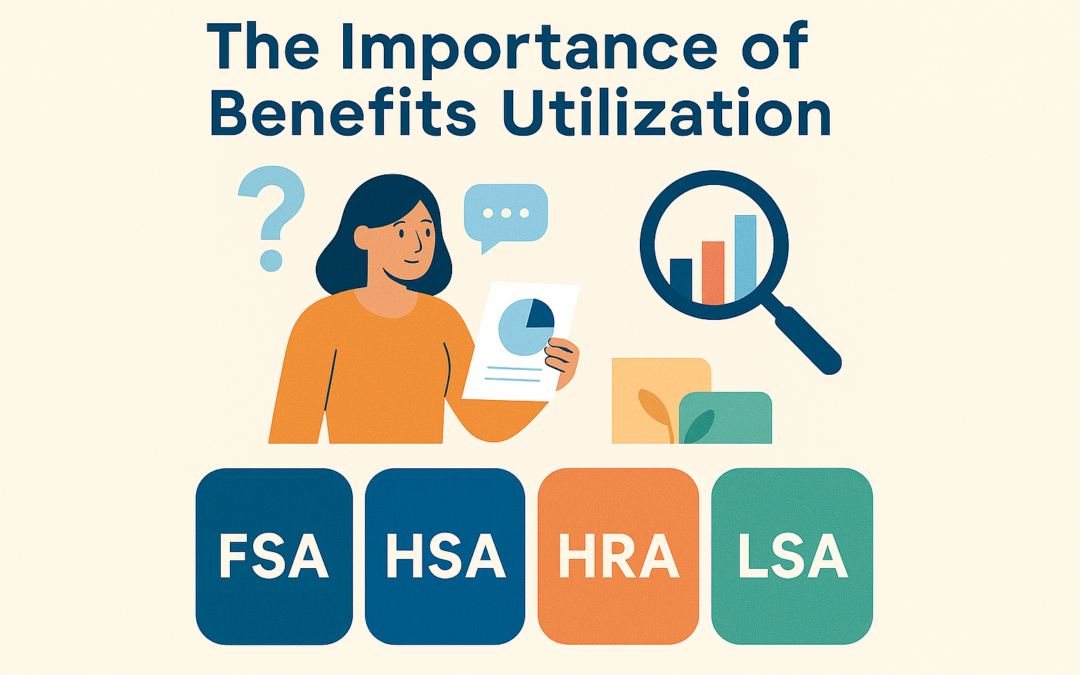
As Q1 comes to a close, employers are taking a closer look at their benefits to see what’s working, what’s not being used, and how to better support employees. With rising costs and evolving expectations, benefits strategies are shifting toward flexibility, personalization, and real utilization—especially when it comes to FSAs, HSAs, HRAs, and LSAs.
Why Utilization Matters
Unused benefits don’t just represent wasted spend—they reduce the perceived value of a company’s total rewards package. When employees don’t understand how to use their benefits or don’t see how they apply to their lives, engagement suffers.
That’s why employers are using Q1 as a checkpoint to reassess how well their benefits are actually performing.
How Employers Can Analyze Their Benefits
A smarter benefits strategy starts with data. Employers can begin by reviewing:
- Enrollment vs. usage: Are employees signing up for FSAs, HSAs, HRAs, or LSAs—but not spending the funds?
- Average balances and reimbursements: Do accounts sit unused or spike only at year-end?
- Employee demographics and life stages: Are benefits aligned with workforce needs like caregiving, wellness, or long-term savings?
- Employee feedback and questions: What benefits cause confusion or go unused year after year?
This analysis helps identify gaps in education, communication, or relevance—and highlights opportunities to redesign benefits for better outcomes.
The Shift Toward Personalized Benefits
One-size-fits-all benefits no longer meet the needs of today’s workforce. Employers are increasingly offering a mix of accounts so employees can choose what fits them best:
- FSAs for predictable healthcare or dependent care expenses
- HSAs for long-term healthcare and retirement savings
- HRAs to complement health plans with targeted reimbursements
- LSAs for lifestyle, wellness, and everyday flexibility
Personalized benefits lead to higher engagement and stronger employee satisfaction.
The Q1 Takeaway
Benefits that are easy to understand, relevant, and flexible are the ones that get used. And benefits that get used create happier employees and stronger retention.
As employers move into Q2, those who regularly analyze benefits performance—and adjust accordingly—will see the greatest value from their investment.
by admin | Apr 9, 2026 | Blog
Allergy season is officially here, and for millions of Americans, that means sneezing, itchy eyes, congestion, and sinus pressure. The good news? Many allergy relief essentials are FSA and HSA eligible, meaning you can use pre‑tax dollars to protect your health and your wallet at the same time.
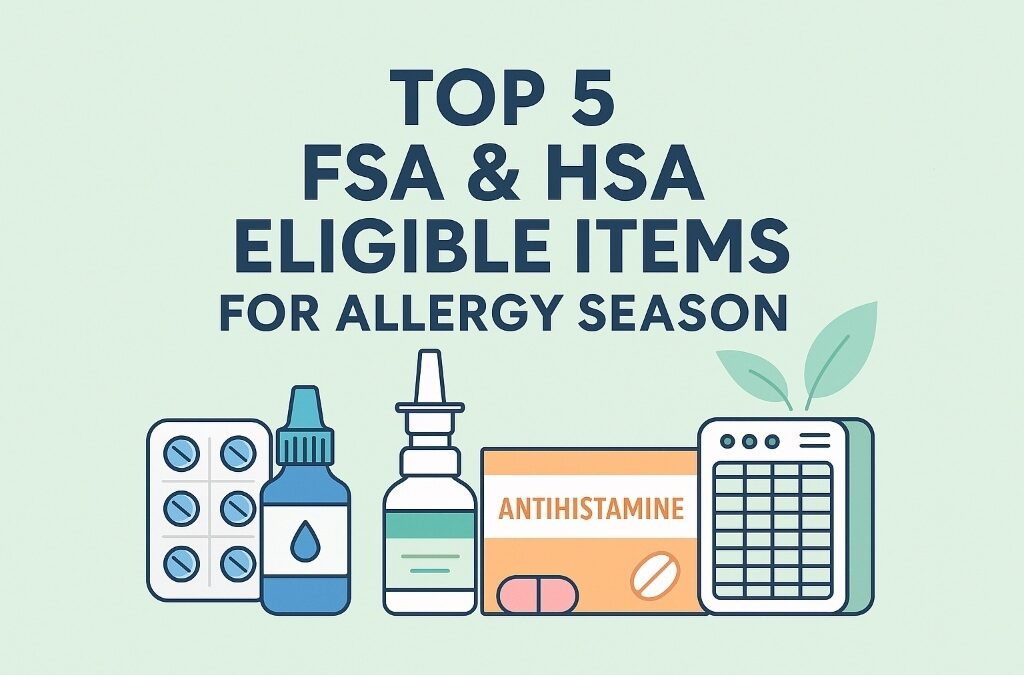
If you have a Flexible Spending Account (FSA) or Health Savings Account (HSA) and want to spend your funds wisely this allergy season, here are the top five FSA/HSA‑eligible items that help relieve seasonal allergies right now.
1. Antihistamines
Why they help: Antihistamines reduce sneezing, runny noses, and itchy eyes caused by seasonal allergies.
FSA/HSA‑eligible options include:
- Claritin® (loratadine)
- Zyrtec® (cetirizine)
- Allegra® (fexofenadine)
- Benadryl® (diphenhydramine)
✅ No prescription required.
🔗 Eligibility info: https://fsastore.com/learn-otc-antihistamines
2. Nasal Sprays & Saline Rinses
Why they help: These products target congestion directly by reducing inflammation or flushing out allergens.
Eligible products include:
- Saline sprays and rinse kits
- Flonase®, Nasacort®, Rhinocort®
✅ Commonly FSA/HSA eligible when used for allergy relief.
🔗 Eligibility info: https://fsastore.com/learn-nasal-sprays
3. Allergy Relief Eye Drops
Why they help: Eye drops relieve itching, redness, and watery eyes caused by pollen and airborne allergens.
Eligible options include:
- Antihistamine eye drops
- Preservative‑free allergy eye drops
✅ Must be labeled for allergy or medical use (not cosmetic).
🔗 Eligibility info: https://fsastore.com/learn-eye-care
4. Air Purifiers & HEPA Filters
Why they help: Air purifiers reduce pollen, dust, and pet dander inside your home.
⚠️ May be FSA/HSA eligible with a Letter of Medical Necessity for allergies or asthma.
🔗 Eligibility info: https://fsastore.com/learn-air-purifiers
5. Humidifiers
Why they help: Humidifiers ease dry air that can worsen sinus irritation and nasal congestion.
⚠️ Typically requires a medical diagnosis and Letter of Medical Necessity.
🔗 Eligibility info: https://fsastore.com/learn-humidifiers
How to Use Your FSA or HSA for Allergy Season
To maximize your benefits:
- ✅ Shop items clearly marked FSA/HSA eligible
- ✅ Keep receipts or order confirmations
- ✅ Use FSA funds before annual deadlines
- ✅ Check eligibility before purchasing higher‑ticket items
Allergy season doesn’t have to mean discomfort—or overspending. By using your FSA or HSA dollars wisely, you can stock up on proven allergy relief products while saving money with pre‑tax funds.
From antihistamines and nasal sprays to eye drops, humidifiers, and air purifiers, these FSA/HSA‑eligible items can help you breathe easier all season long.